Designing AI research product and brand that secured six figures seed funding in 8 weeks
Designing AI research product and brand that secured six figures seed funding in 8 weeks
Designing AI research product and brand that secured six figures seed funding in 8 weeks

Overview
Overview
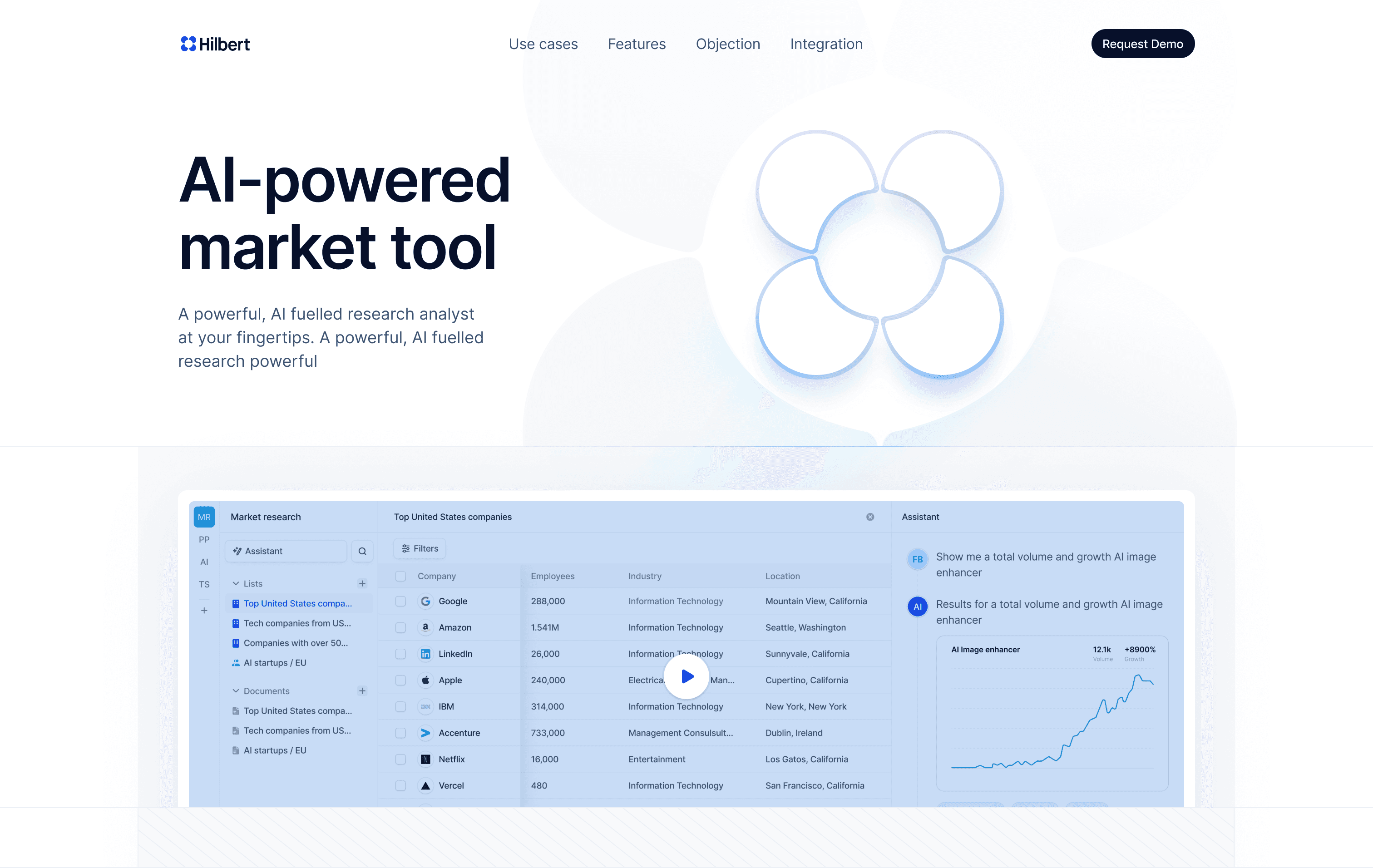
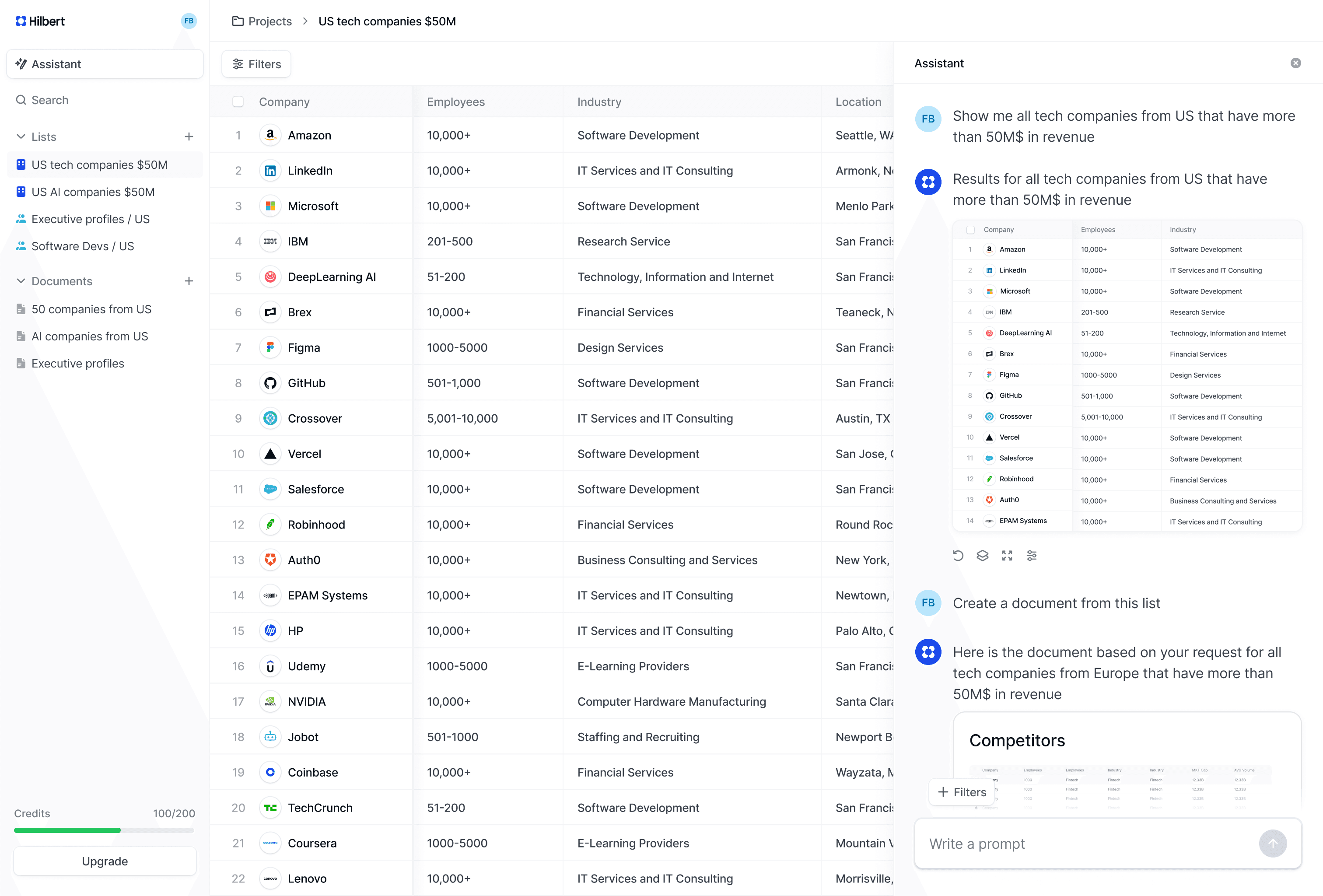
Hilbert AI aimed to help researchers, investors, and analysts find and evaluate companies more effectively.
As an early stage startup, the goal was to create an AI-powered research tool that could surface relevant companies, organise complex information clearly, and help users discover patterns and opportunities.
Hilbert AI aimed to help researchers, investors, and analysts find and evaluate companies more effectively.
As an early stage startup, the goal was to create an AI-powered research tool that could surface relevant companies, organise complex information clearly, and help users discover patterns and opportunities.
Role
Founding Designer
Domain
AI Research Tools
My role
My role
As the founding designer, I worked directly with the founder to shape the product from its earliest concept. With no existing product structure in place, I defined the information architecture, designed search and research interactions, and explored multiple approaches to presenting AI-generated data. I prototyped rapidly, tested ideas in short cycles, and iterated based on feedback.
As the founding designer, I worked directly with the founder to shape the product from its earliest concept. With no existing product structure in place, I defined the information architecture, designed search and research interactions, and explored multiple approaches to presenting AI-generated data. I prototyped rapidly, tested ideas in short cycles, and iterated based on feedback.
Key deliverables and impact
Key deliverables and impact
Key deliverables and impact
Secured funding
Shipped product from concept to seed funding in 8 weeks
End to end design leadership
Designed the core workflow, navigation model, and interaction patterns
120+ design iterations in 60 days
Transformed an abstract AI vision into a coherent product strategy and architecture
Secured ~€200K in funding
Secured funding
Secured €200,000 in funding with an investor-ready prototype created in 8 weeks.
Secured funding with an investor-ready prototype created in 8 weeks.
End to end design leadership
Designed the core workflow, navigation model, and interaction patterns in 8 weeks
120+ design iterations in 60 days
Transformed an abstract AI vision into a coherent product strategy and architecture
Transformed an abstract AI vision into a coherent product strategy and architecture
The problem
Researchers spend hours switching tools instead of researching
Researchers spend hours switching tools instead of researching
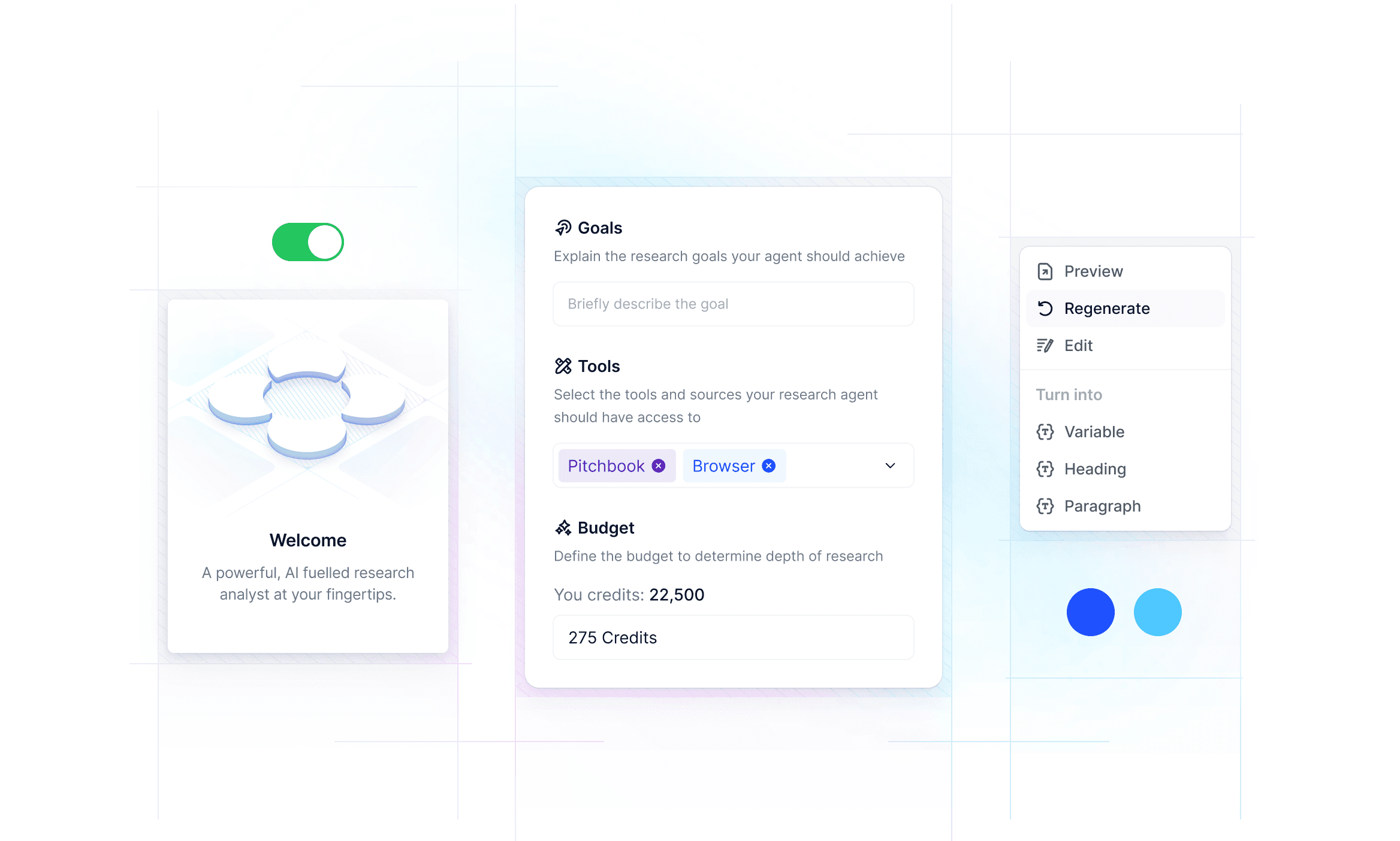
Researchers had to jump between databases to find companies and people, manually export data to spreadsheets, then switch to separate tools to write reports and documents.
Each tool used different formats and required constant context switching. Research became more about managing tools than generating insights.
Researchers had to jump between databases to find companies and people, manually export data to spreadsheets, then switch to separate tools to write reports and documents.
Each tool used different formats and required constant context switching. Research became more about managing tools than generating insights.
Solution
One AI tool for the entire research workflow
One AI tool for the entire research workflow
From idea to designing the core experience
From idea to designing the core experience
From idea to designing the core experience
Option 1
Quick access sidebar and project switching in top navigation
Quick access sidebar and project switching in top navigation
Option 2
Hover triggered sidebar revealing created projects and documents
Hover triggered sidebar revealing created projects and documents
Intermediate Solution
Intermediate Solution
Based on initial focus group feedback (via founder), the persistent sidebar
emerged as the working solution.
Based on initial focus group feedback (via founder), the persistent sidebar
emerged as the working solution.
What it solved
What it solved
Quick project access
Quick project access
AI chat and work remained central
AI chat and work remained central
Document organisation within projects
Document organisation within projects
Testing revealed new needs
Testing revealed new needs
As we continued testing, users wanted to create more projects, invite team members, and manage growing document libraries. The persistent sidebar accommodated these needs and became the foundation for further development
As we continued testing, users wanted to create more projects, invite team members, and manage growing document libraries. The persistent sidebar accommodated these needs and became the foundation for further development
Option 3
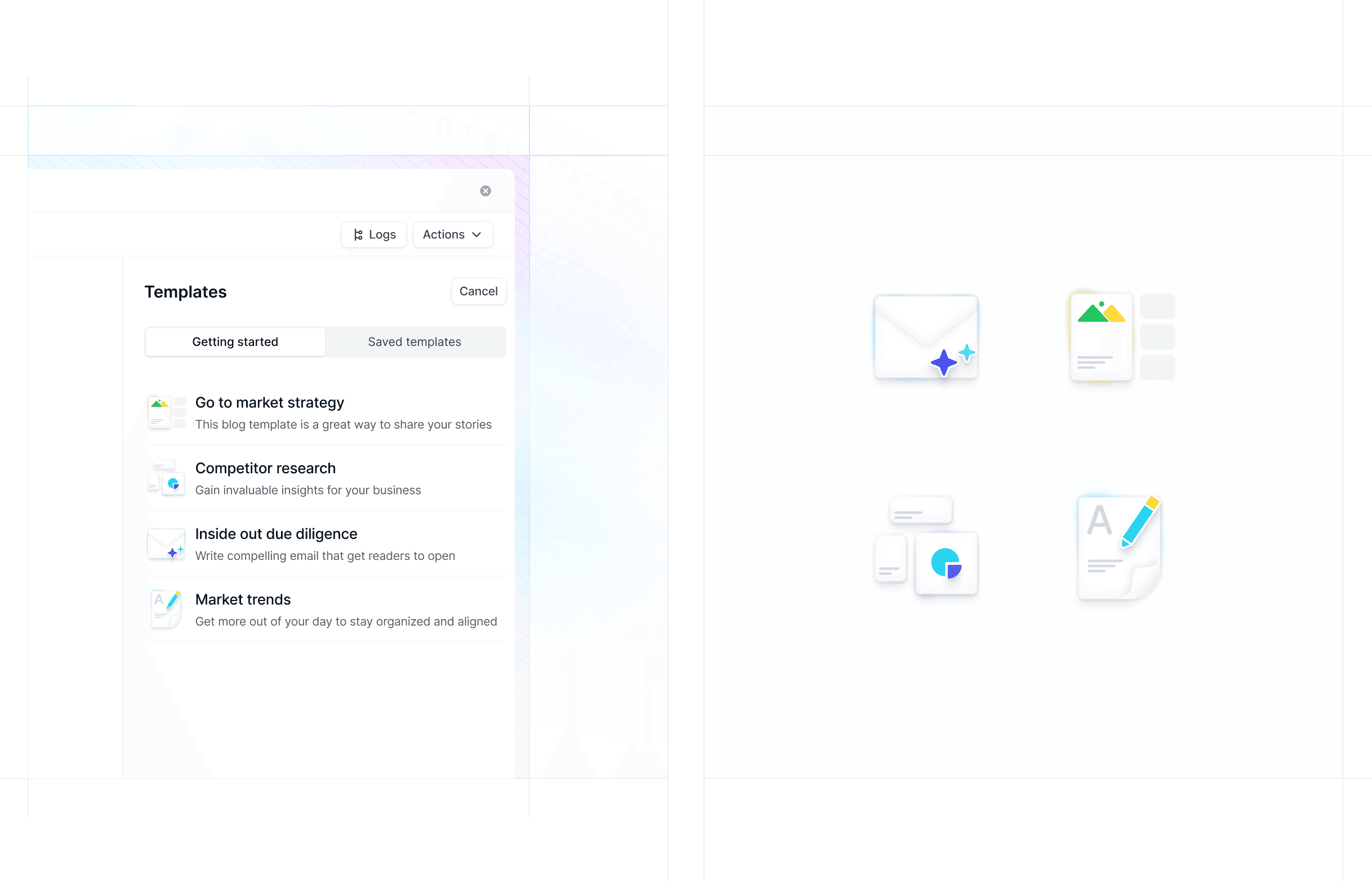
Persistent project sidebar with expandable file navigation
Final decision
The final layout was a strategic bet on scalability, driven by future proofing needs
The final layout was a strategic bet on scalability, driven by future proofing needs
Here's what I saw coming. Users creating dozens of projects, inviting team members, managing complex document libraries. If I optimised only for the MVP scope, we'd hit architectural limits within months.
Instead, I designed a project centered structure where users manage everything from a central overview, then enter a focused workspace when opening a project. This separation creates room to grow without redesigning core navigation.
It was less about choosing the "best" navigation pattern and more about building in flexibility from the start. A foundation that could hold future features without needing a complete overhaul.
Here's what I saw coming. Users creating dozens of projects, inviting team members, managing complex document libraries. If I optimised only for the MVP scope, we'd hit architectural limits within months.
Instead, I designed a project centered structure where users manage everything from a central overview, then enter a focused workspace when opening a project. This separation creates room to grow without redesigning core navigation.
It was less about choosing the "best" navigation pattern and more about building in flexibility from the start. A foundation that could hold future features without needing a complete overhaul.
Final results
Continuing to scale the workflow
How to offer the right balance of freedom and guidance from the very start?
How to offer the right balance of freedom and guidance from the very start?
Speed for efficiency. The project template library
Speed for efficiency. The project template library
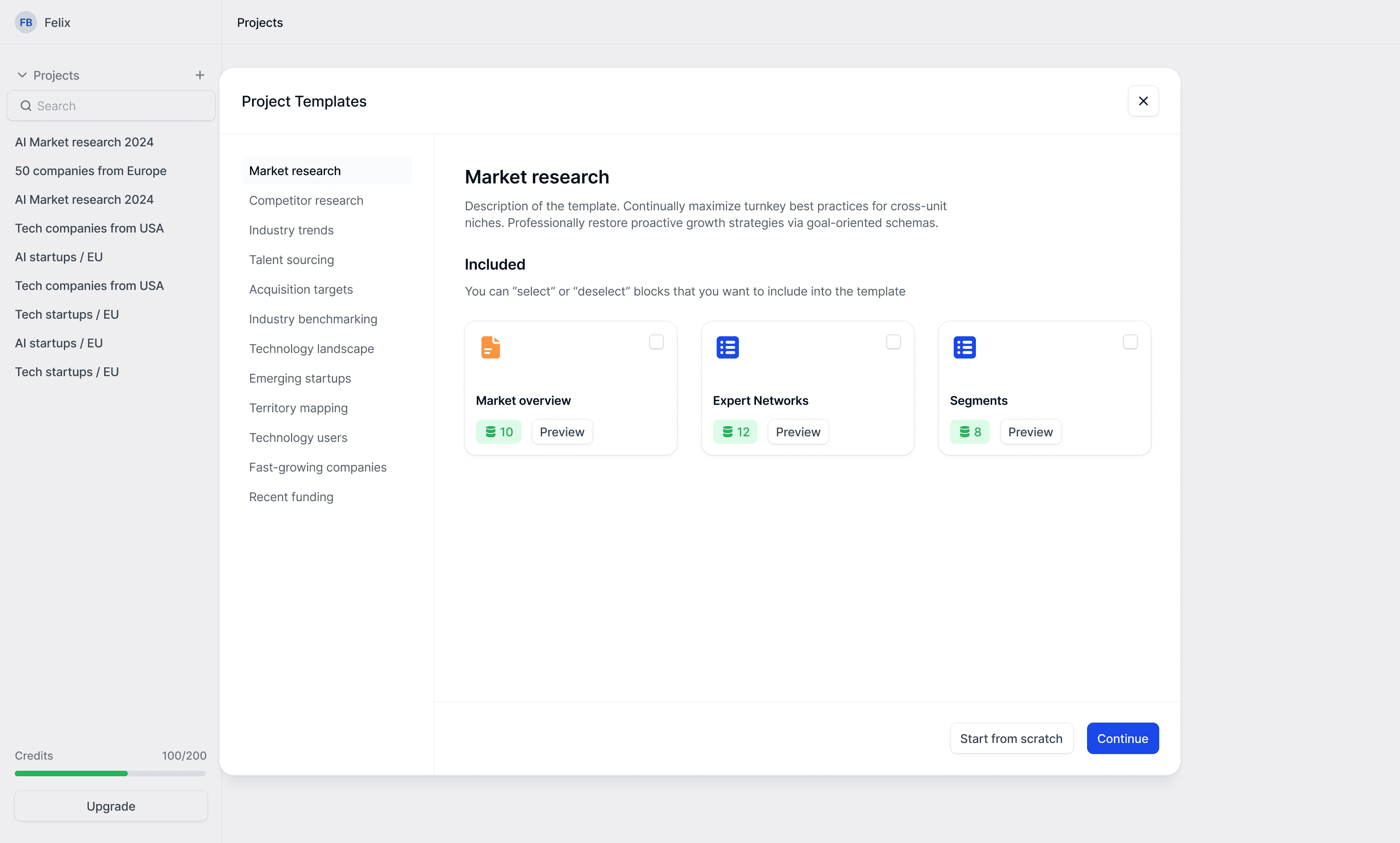
To eliminate blank canvas anxiety and accelerate time to value, I provided a curated library of pre built project templates. Users could instantly start with a proven structure, making the tool useful from their very first session without any setup.
To eliminate blank canvas anxiety and accelerate time to value, I provided a curated library of pre built project templates. Users could instantly start with a proven structure, making the tool useful from their very first session without any setup.
Creating your own project template. Visualising progress
Creating your own project template. Visualising progress
At each stage, users could generate a live preview to validate their input. This step by step confirmation first for documents, then for lists transformed setup into a series of confident decisions, ensuring the final template matched their expectations before creation.
At each stage, users could generate a live preview to validate their input. This step by step confirmation first for documents, then for lists transformed setup into a series of confident decisions, ensuring the final template matched their expectations before creation.
The AI should follow, not lead
The AI should follow, not lead
The AI should follow, not lead
Our initial setup used structured forms users filled fields for company names, industries, criteria. Functional, but constraining. Users adapted to our structure rather than expressing their intent naturally.
Our initial setup used structured forms users filled fields for company names, industries, criteria. Functional, but constraining. Users adapted to our structure rather than expressing their intent naturally.
This broke a core principle
Users should lead their creation, not follow our forms
Users should lead their creation, not follow our forms
I redesigned the setup flow to be conversational. Instead of
filling forms, users describe research goals in natural language.
I redesigned the setup flow to be conversational. Instead of filling forms, users describe research goals in natural language.
Conversation creation
Conversation creation
The new flow feels like working with an assistant rather than filling out paperwork. Users type their research goal naturally, and the AI responds intelligently suggesting relevant filters, asking for clarification only when genuinely needed.
The new flow feels like working with an assistant rather than filling out paperwork. Users type their research goal naturally, and the AI responds intelligently suggesting relevant filters, asking for clarification only when genuinely needed.
This shift moved control from system to user. The AI became a helpful collaborator rather than a structured questionnaire. Users could express complex research needs in one sentence instead of navigating through multiple form fields.
This shift moved control from system to user. The AI became a helpful collaborator rather than a structured questionnaire. Users could express complex research needs in one sentence instead of navigating through multiple form fields.
Outcomes & Impact
In two months of intense collaboration
In two months of intense collaboration
In two months of intense collaboration
Through 120+ rapid iterations over 8 weeks, I translated a vision into a tangible product that achieved both technical and strategic validation to securing funding.
Visual design for Hilbert AI's marketing presence
Visual design for Hilbert AI's marketing presence
Visual design for Hilbert AI's marketing presence